
How to Check for a Warrant in East Mountain
Treat the East Mountain active-warrant list as an index, nothing more. Its fields are thin. Bring a possible match to the municipal court clerk, who can pull the actual order. City Hall's directory carries the court route; the city information page handles police contact.
- Open the official East Mountain active-warrant page and review its current source file.
- Note the balance shown without assuming it identifies the warrant type or status.
- Contact the municipal court clerk through the city directory and ask which case the entry concerns.
- Ask the clerk whether a court date, payment, or recall is required.
- Use county or state channels only for distinct records beyond the East Mountain docket.
The East Mountain Warrant File Has a Balance-Only Schema
The downloadable East Mountain warrant file shows a balance column and leaves it at that. There is no warrant type, no issue date, no issuing court, and no status legend. A reader cannot tell from the table what kind of legal process sits behind a number, or whether the amount is still owed. City Hall's public directory groups the municipal court and city-office contacts in one place; open East Mountain City Hall for the live directory and the current contact path.
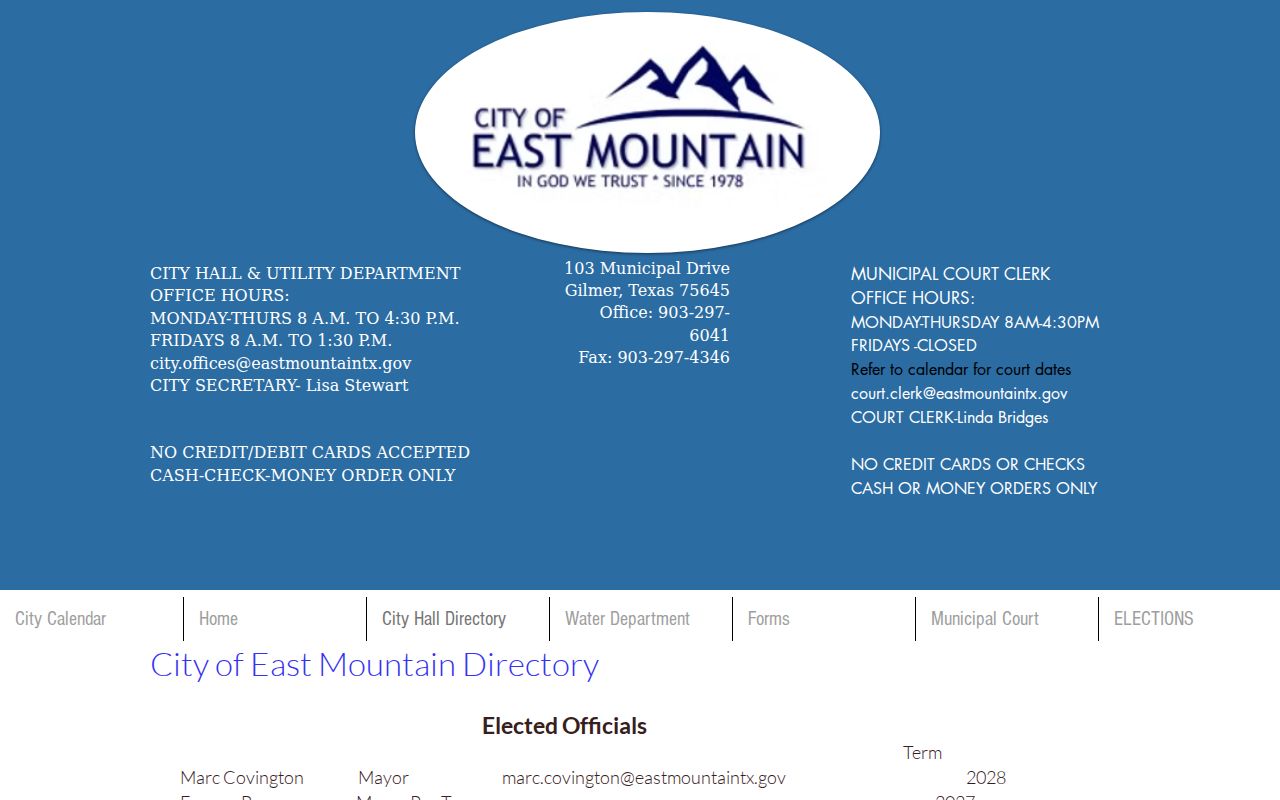
The East Mountain directory is not a warrant record. It only routes you to the court. Confirm any balance or status with the clerk.
The East Mountain Police Department and Municipal Court
East Mountain publishes its city services through the City Hall directory. The Municipal Court Clerk and police information sit on that page rather than on a separate online warrant desk. So route a case, balance, or recall question to the clerk. Police contact through the city information page is for agency matters.
East Mountain Police
City department route listed through the municipal directory.
East Mountain Municipal Court
Court clerk contact route and local record owner.
The active list is a separate public source for East Mountain warrants. Check any table entry with the court before paying a balance or assuming a recall.
East Mountain's Public File Cannot Explain the Balance
A balance column can look final while hiding the facts you need to read it correctly. The East Mountain file does not say whether a figure is a fine, a court cost, a bond, or something else. It gives no date either, so there is no way to judge how current the number is. That makes the clerk the only reliable interpreter. Ask for the underlying case and an itemized breakdown of the amount. If the city confirms a payment, ask whether the court has entered it and whether a warrant or a separate appearance is still open. Do not calculate your own answer from a number alone.
Types of East Mountain Warrants
East Mountain's city court handles municipal citations and court obligations. A criminal arrest warrant, though, can come through a magistrate. The public list does not sort balances by type, so the court record is what identifies the order involved.
| Possible process | How it may arise | Where to ask |
|---|---|---|
| Traffic warrant | Unresolved citation or missed date | East Mountain Municipal Court |
| Ordinance matter | City-code case not resolved | Municipal court clerk |
| FTA or capias | Missed setting or unpaid judgment | Court holding the case |
| Arrest warrant | Criminal allegation reviewed by a magistrate | Issuing court and agency |
East Mountain's City Directory Is the Contact Hub
The City Hall directory is East Mountain's contact hub, gathering city services, the municipal court clerk, and police information on one page. No separate warrant-unit number appears there, no court search portal with multiple fields, and no stated update schedule for the list. Treat the directory as a routing tool, not a case-status result. Use the live city directory to reach the right office. Confirm hours and payment methods before you travel; those details change, and none of them replaces the court record.
What an East Mountain Warrant Record Shows
The East Mountain file's schema is what it is. The chart below separates what the list offers from what only the court record can tell you.
| Balance | The visible amount column; ask the clerk what it represents. |
|---|---|
| Warrant number | Not shown in reviewed schema; request the court's identifier. |
| Warrant type | Not identified in the reviewed downloadable table. |
| Issue date | Not included in the schema reviewed. |
| Issuing court | Not supplied in the file; confirm with the clerk. |
| Current status | No public legend was documented; ask whether the order remains active. |
East Mountain's Warrant Update Schedule Is Unknown
East Mountain publishes no posting date, no update cadence, and no explanation of how a payment changes the downloadable file. A balance column cannot tell you whether the list refreshes daily or only after a court action. Call it neither current nor complete. The Municipal Court Clerk can answer both questions: the underlying case, and when the list gets updated. If the clerk gives a status, note the date and the office, then follow its instructions for any payment or recall.
Where East Mountain Warrants Fit With Upshur County
East Mountain Municipal Court controls its city case; the Upshur County Sheriff may hold separate service information, while JP and county clerks keep different files. Warrant flow: East Mountain court and city police › Upshur County Sheriff for county service or custody details › Texas systems for a separately reported citation. See Upshur County warrant records and the county search route for the wider system.
An East Mountain Warrant Balance Is Not a Status Code
A dollar figure in the East Mountain file is not a status code. It may be a current fine, an older balance, or a figure tied to another court event, and the file will not say which. It also will not say whether an entry has already been recalled; the city publishes no code legend. Ask the clerk which case and which court order correspond to the amount. If you pay, ask when the case display should change and whether a separate step is needed to recall the warrant. A receipt answers one question. Clerk confirmation answers the other.
Public Access to East Mountain Warrant Records
City records in East Mountain can be requested under the Texas Public Information Act. Judicial records follow the court's own access process. Ask the clerk whether the list is the only public view or whether a fuller record can be requested. Sealed or juvenile information may be restricted.
Access rules:
Texas Government Code Chapter 552 governs public information held by local agencies, subject to exceptions.
Consult the judiciary's Rule 12 policy for public access to court records.
Texas Family Code Chapter 58 imposes confidentiality rules on juvenile files.
Ask East Mountain's Clerk to Confirm a Warrant
Call the East Mountain clerk and hand over the balance or case identifier shown on the city's page. Ask what court record it points to. Ask whether a warrant is still active, too. Then ask how to request a recall or proof of payment, since the city publishes no local recall procedure or refresh schedule. The clerk answers what the page cannot. For an arrest or a legal motion, talk to a Texas attorney instead. The city page only routes you to the right office; it cannot resolve a court order.